Firefinder Simulator Screens
 The opening page of the Firefinder Simulator. A scenario is chosen using the dropdown box at the top left.
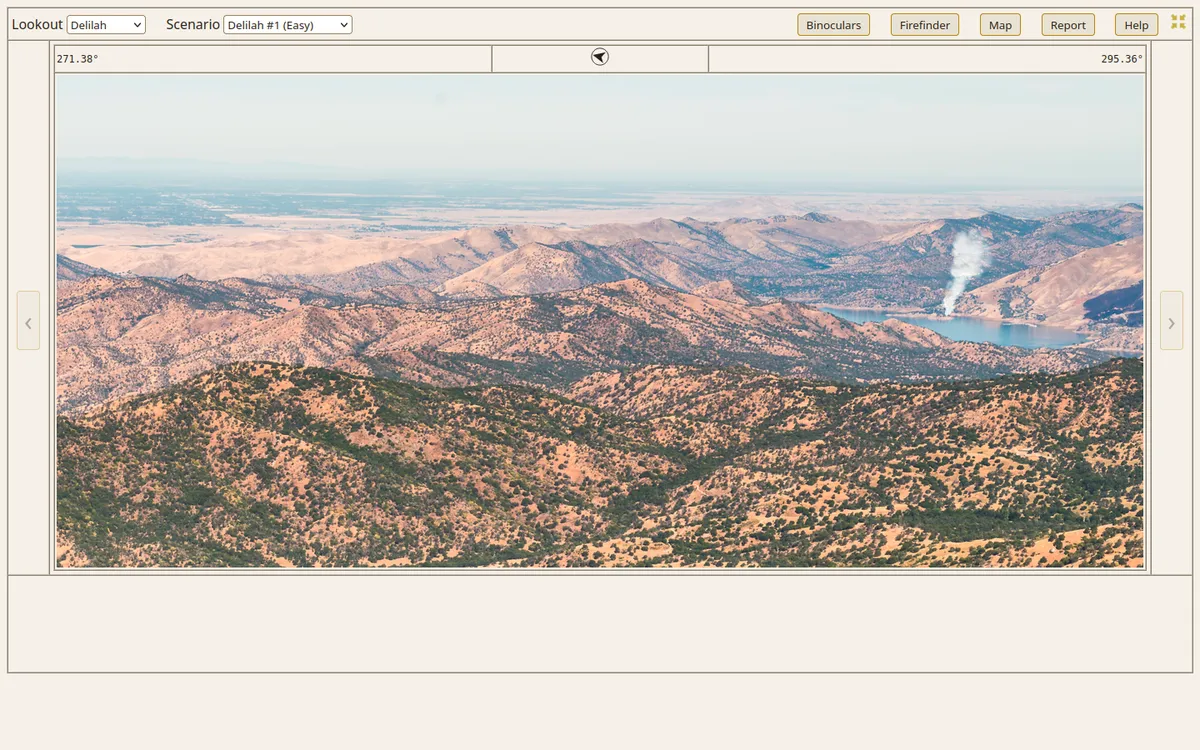 When a scenario is chosen, a landscape photo appears with the view from the lookout. The objective is to identify a smoke.
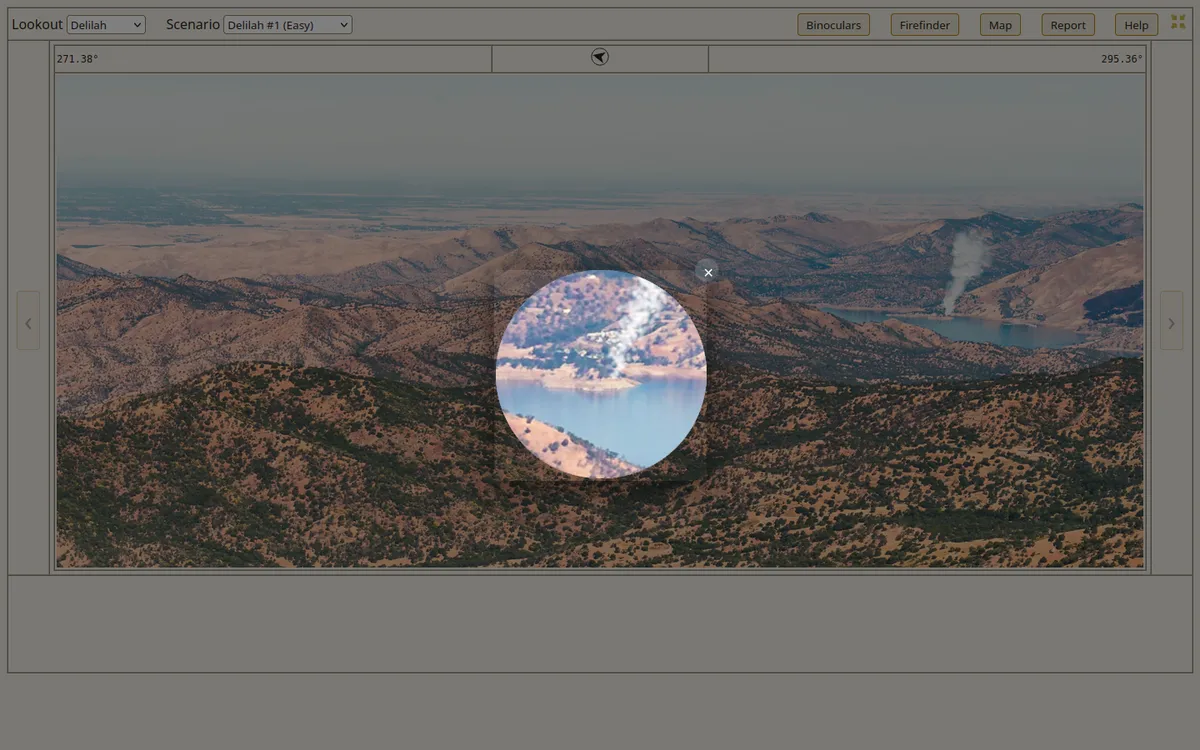 The Binoculars function shows a closeup photo of the smoke.
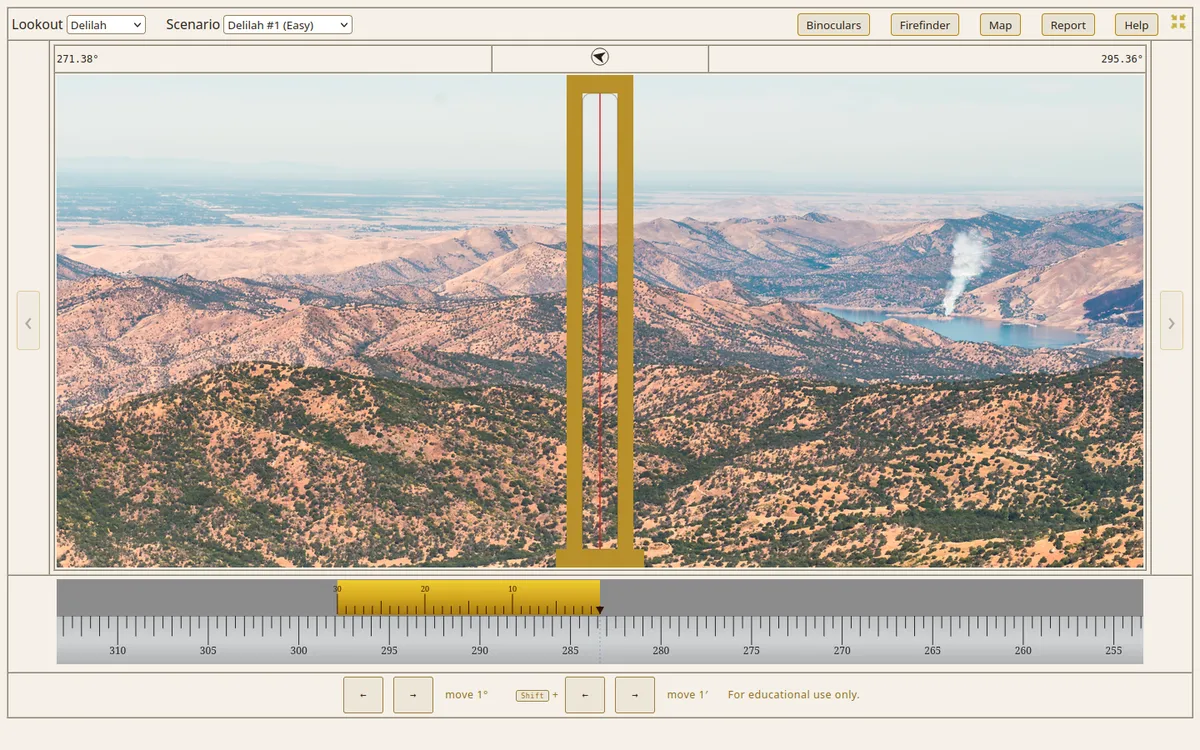 The Firefinder function displays a replica of the sight on the firefinder.
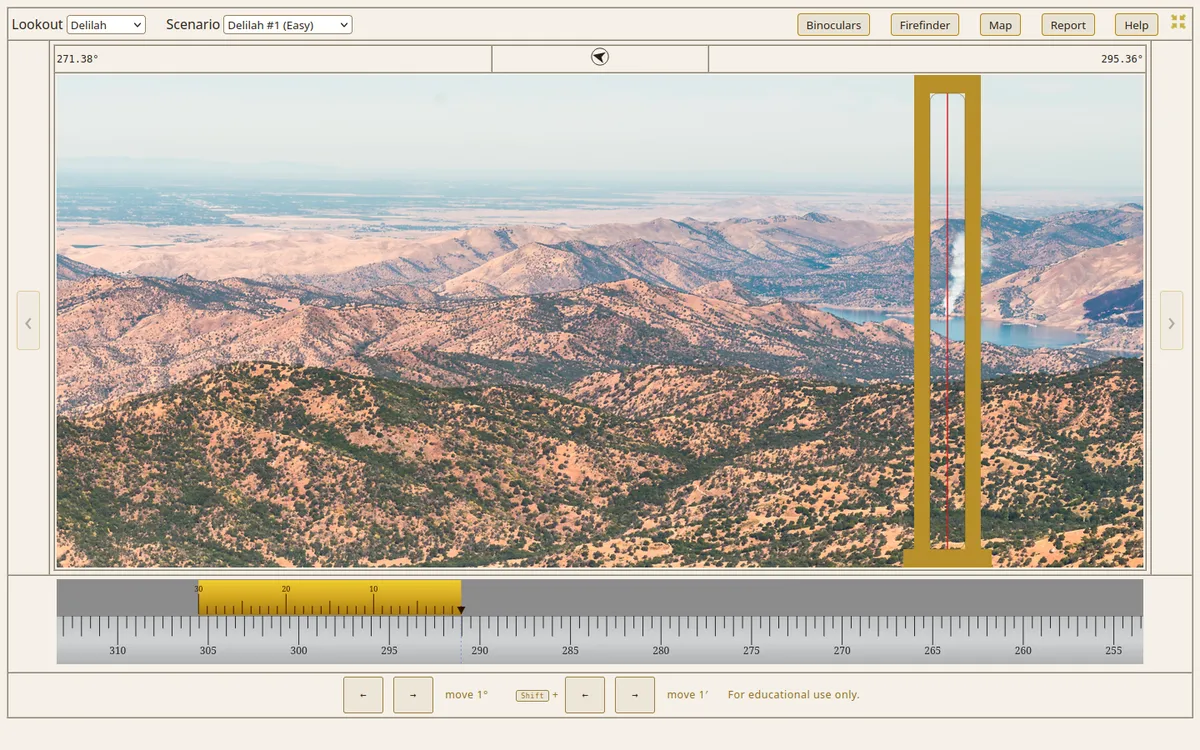 The firefinder sight can be moved to align with the smoke, and the azimuth read from the scale at the bottom.
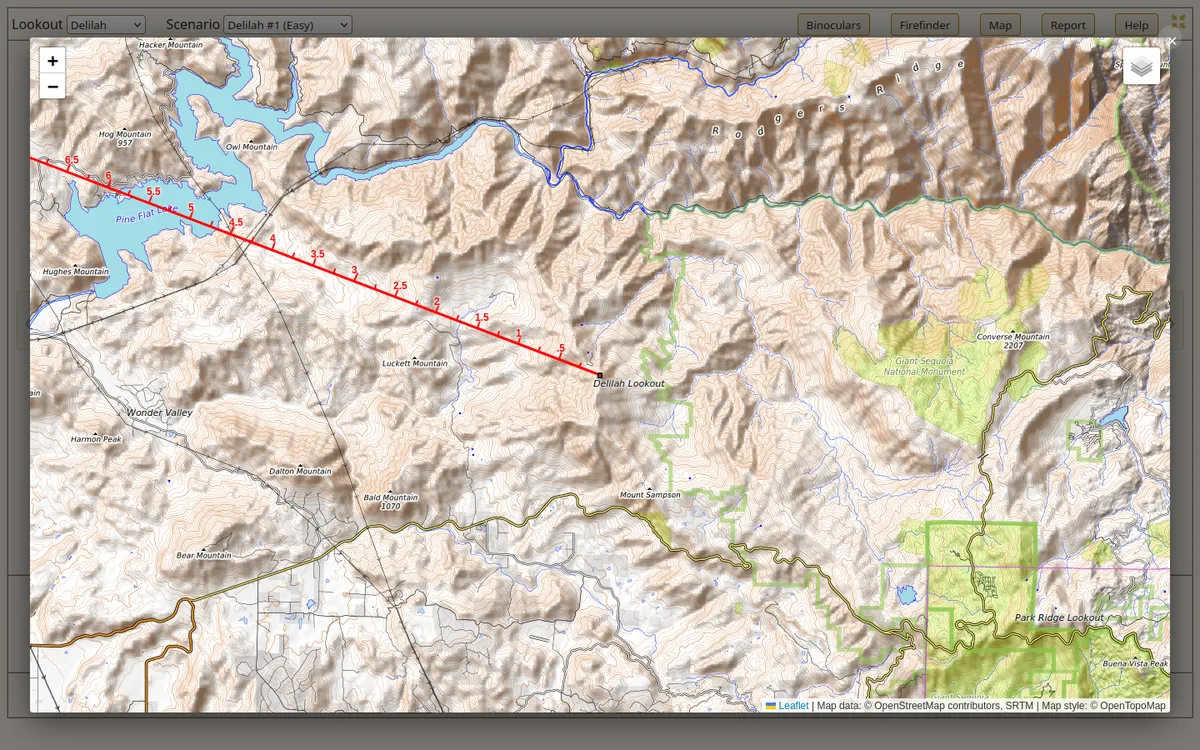 The map function displays a map with the red line matching the firefinder sightline.
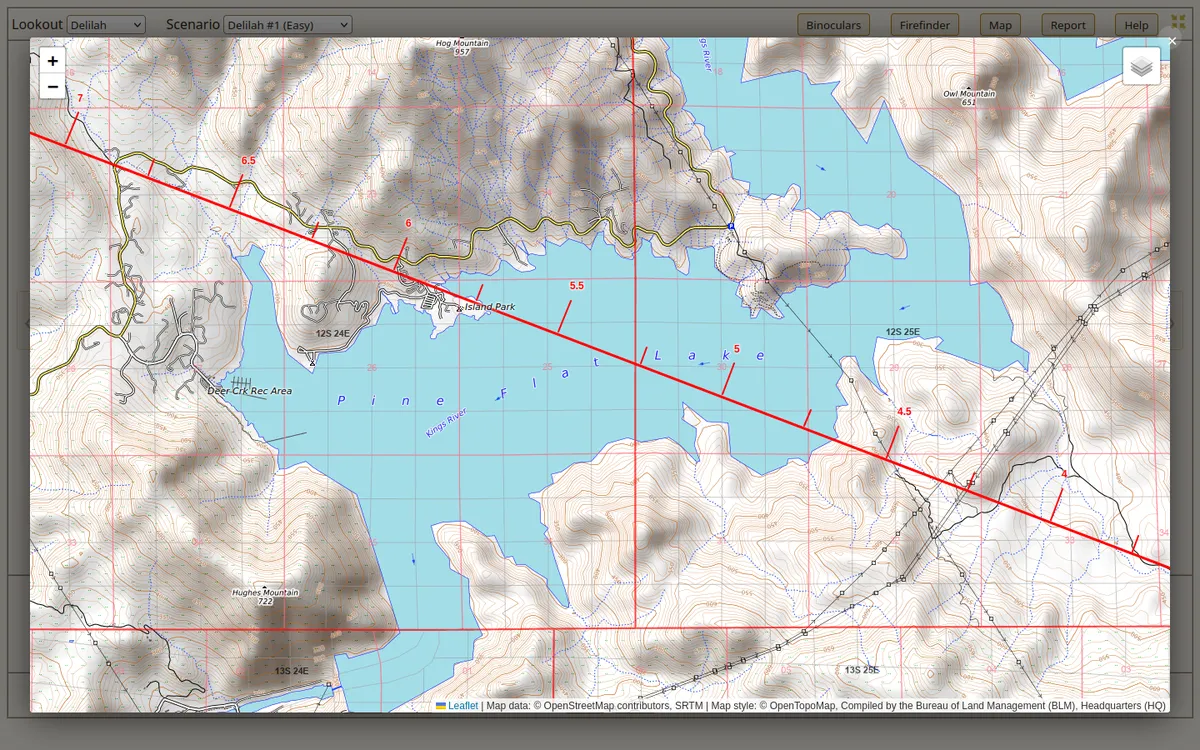 The map can be zoomed, and a PLSS layer added to determine the legal description.
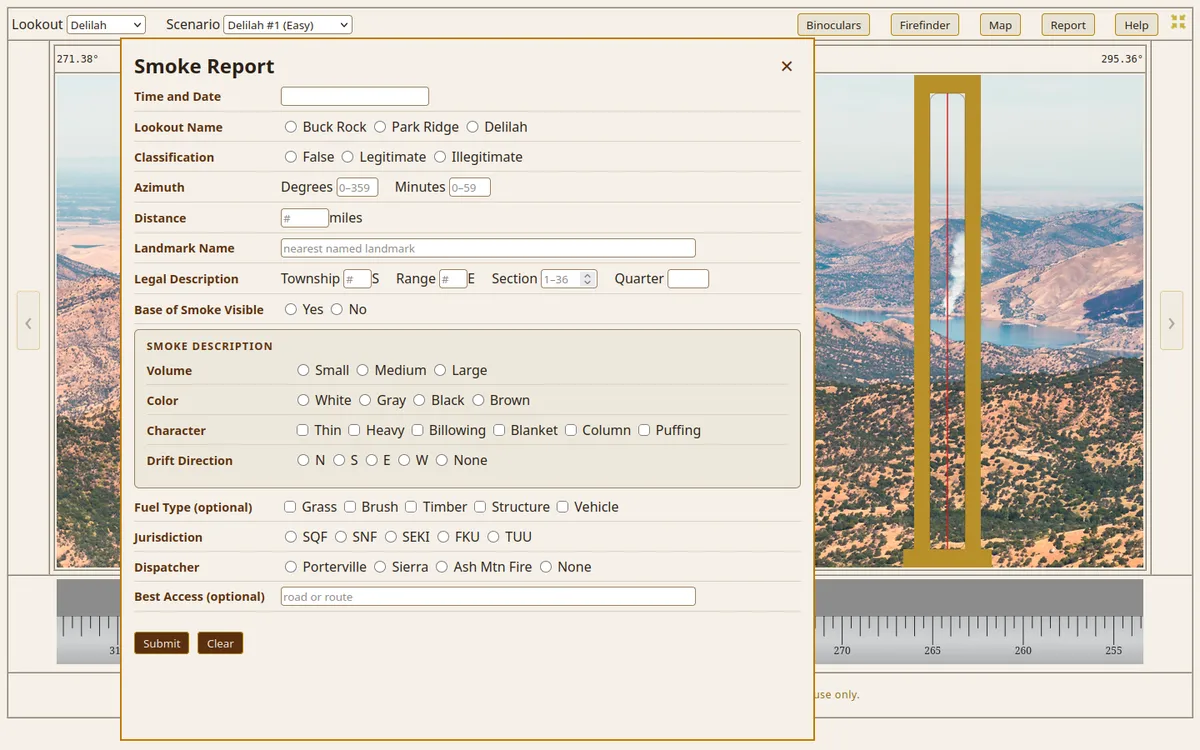 The user completes a smoke report form with the information they have gathered. When the form is submitted, their responses receive an evaluation (correct, incorrect).
The simulator has multiple scenarios available of varying difficulties.